
Advanced Prompt Integration – Dashboard Page
Introduction
I have a dashboard page with one tile acts as Slicer and other four tiles are refreshed by the slicer. I would like to make the slicer to refresh two of four tiles only.
How can I achieve this?
Practices
Overview
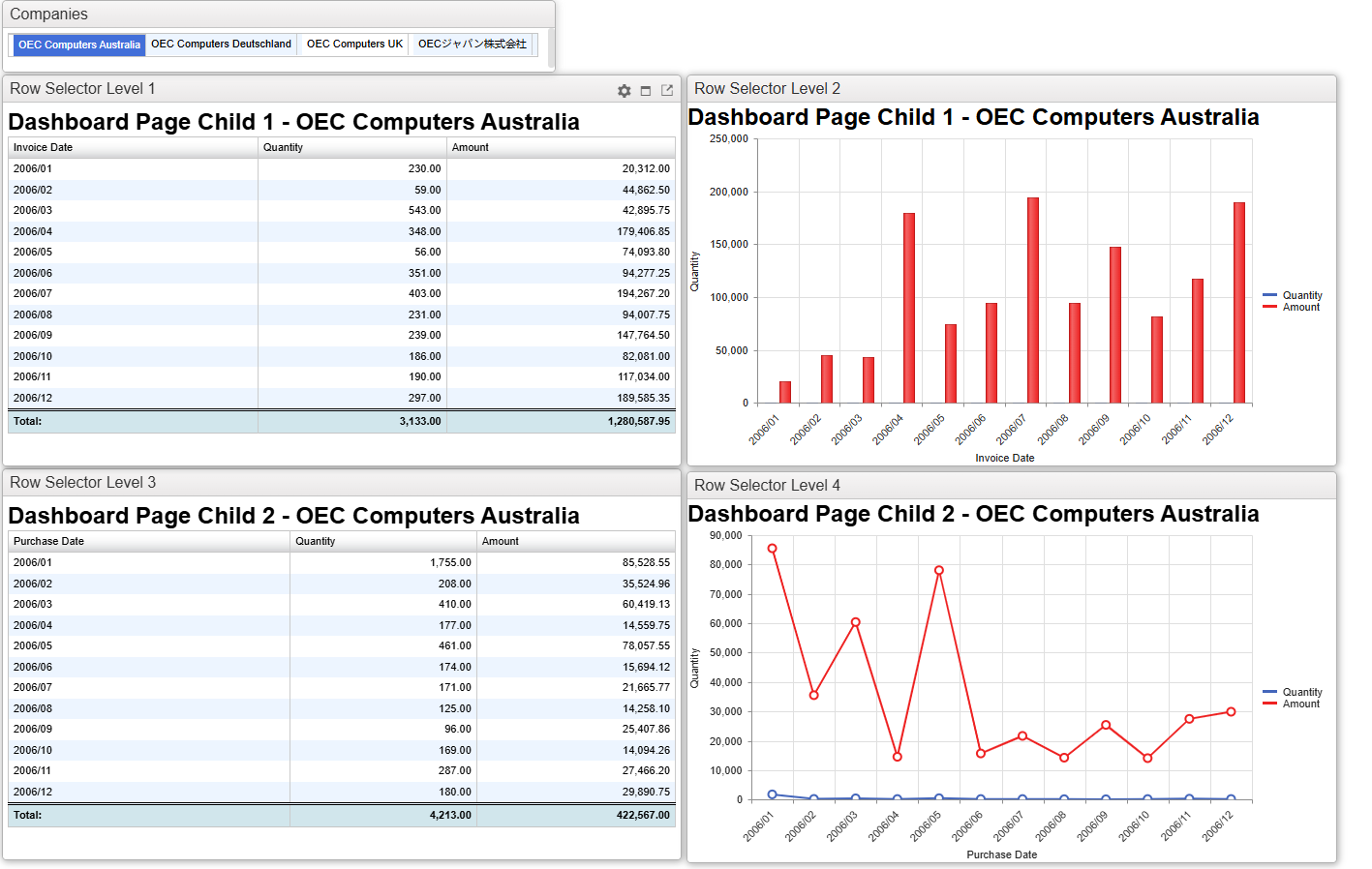
This example is configured with five tiles.
The top tile displaying the list of companies behaves as a prompt and selected company name is passed to other tiles so we call it “Sender” in this post.
The other four tiles are refreshed when receive the company name being sent from “Sender” so we call it “Receivers” in this post.
The Settings
As explained in the “Prompt Integration – Dashboard Page” post, the key points are the output and filter names and the URL option for the Sender (&rowSelectFilter=1).
The number specified in the URL option for “Sender” is of the key elements in achieving the main objective of this post. In this example, the number 1 in &rowSelectFilter=1 is the key value.
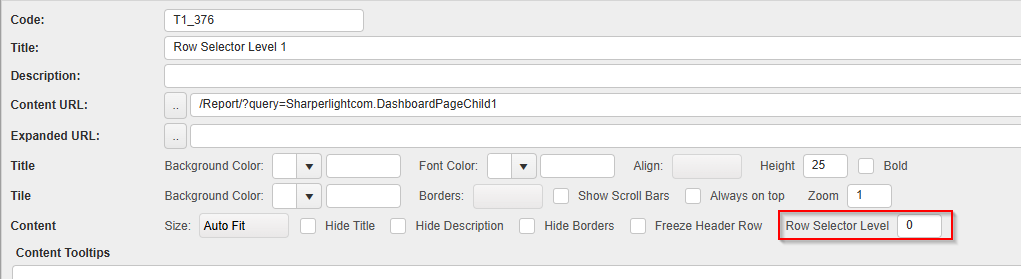
The other key element is the number specified in “Row Selector Level” option for “Receivers“.
The relationship between these two numbers determines which tiles are refreshed.
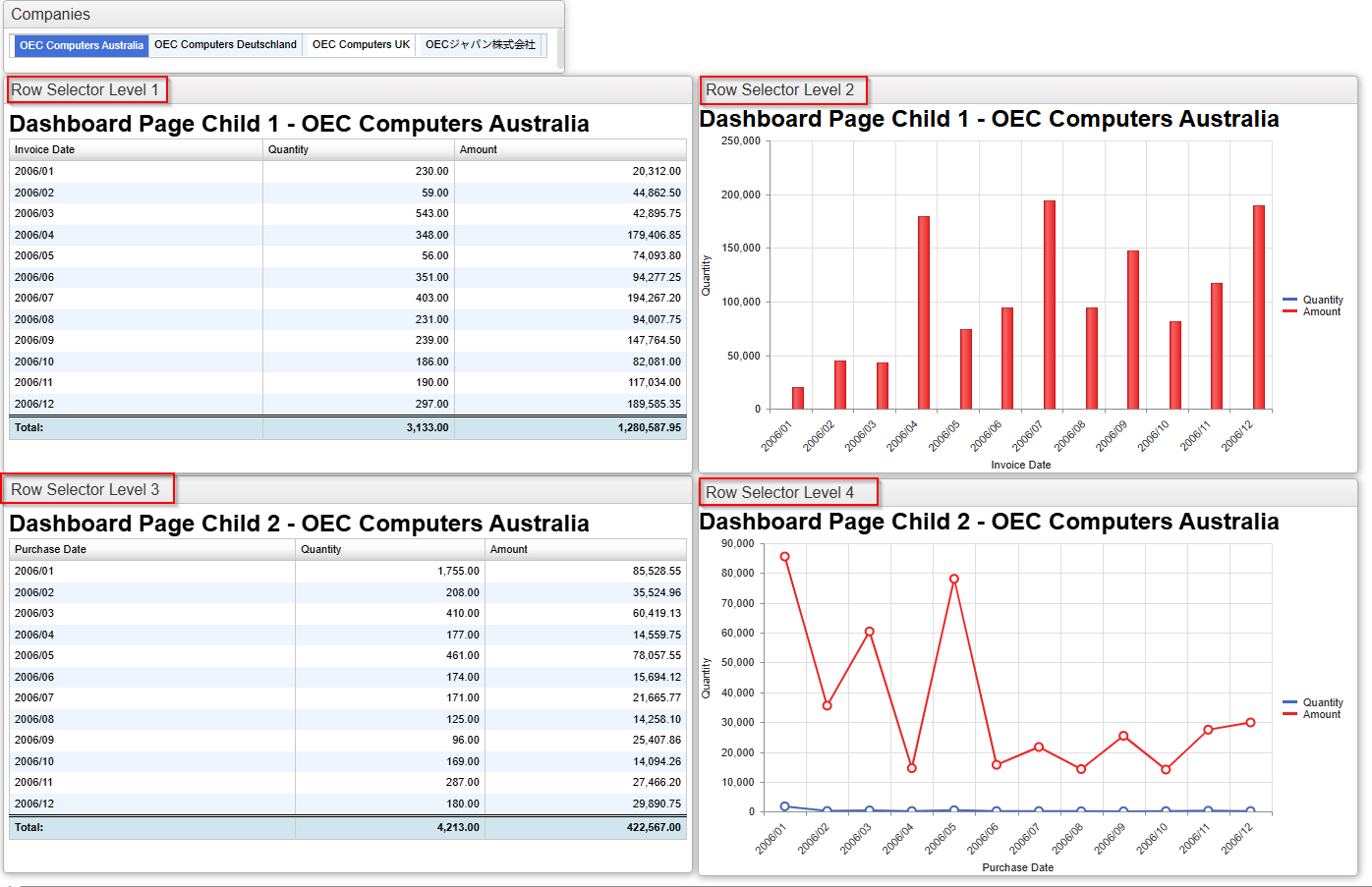
Let’s see some exercises.
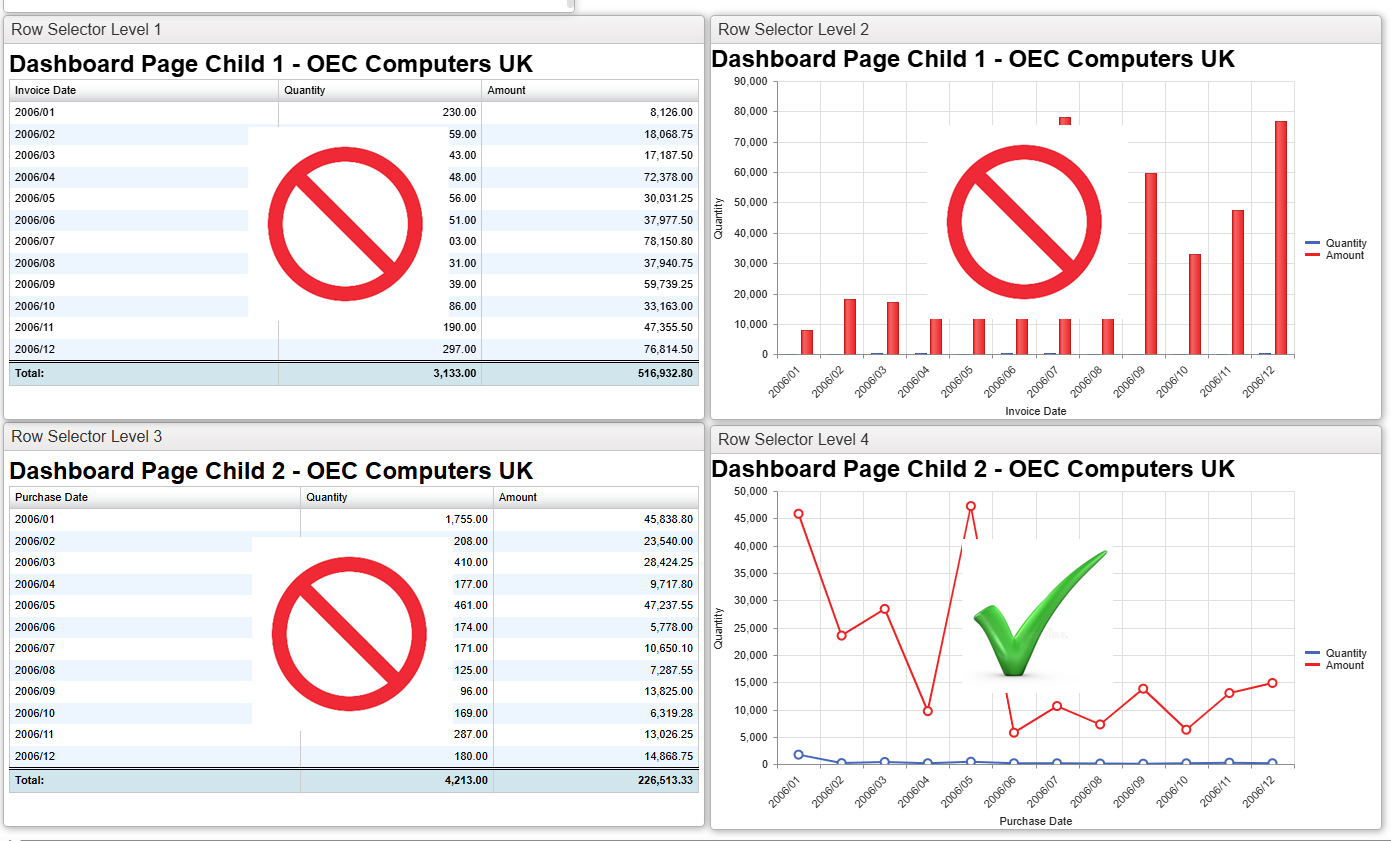
The “Row Selector Level” value specified for each Receiver tile is now clearly displayed in its header.
Exercise 1: The “Sender” has 1 for the URL option &rowSelectFilter.
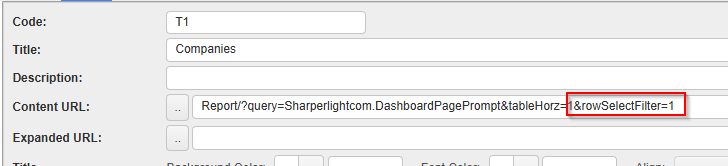
In this case, the tiles with a value of 0 or greater than 1 are refreshed, while the tile with a value of 1 is not refreshed.
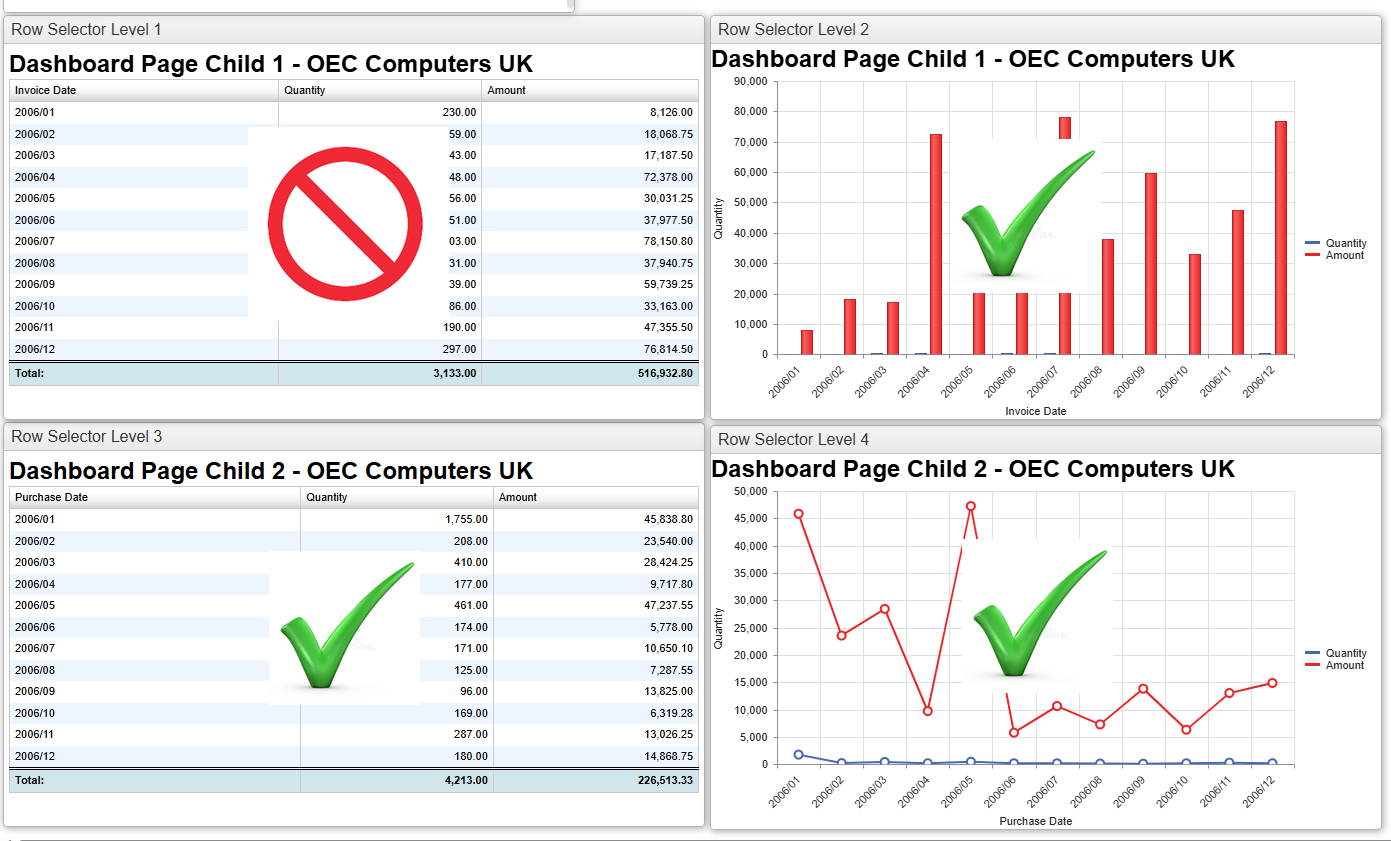
Exercise 2: The “Sender” has 2 for the URL option &rowSelectFilter.
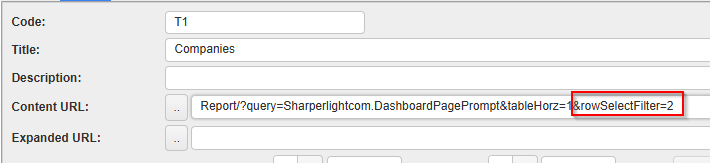
In this case, the tiles with a value of 0 or greater than 2 are refreshed, while the tiles with a value of 1 and 2 are not refreshed.
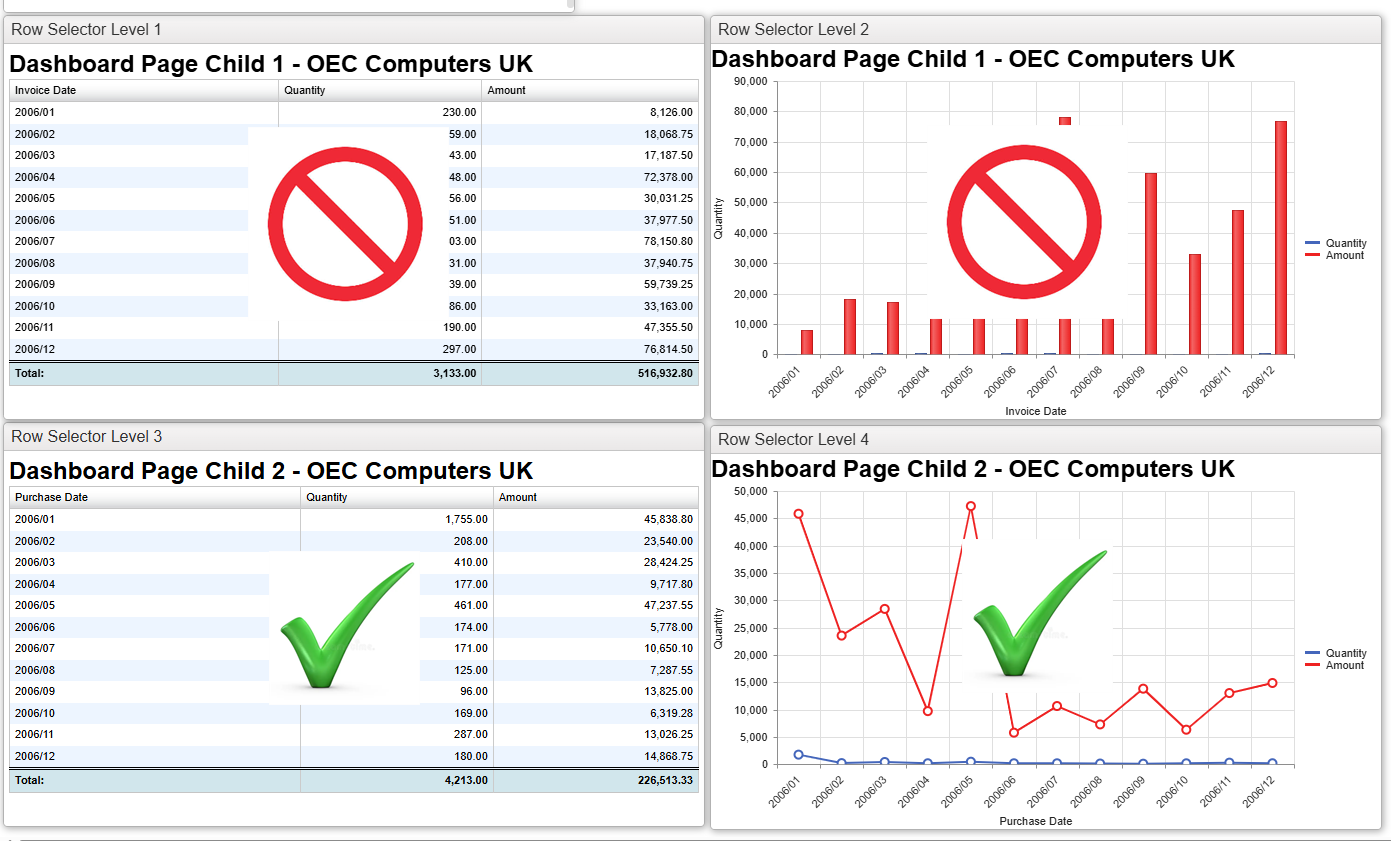
Exercise 3: The “Sender” has 3 for the URL option &rowSelectFilter.
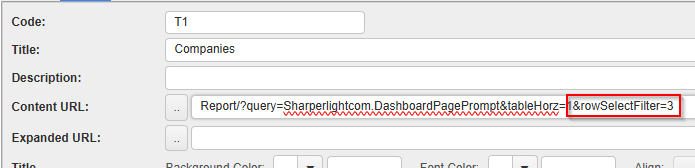
In this case, the tiles with a value of 0 or greater than 3 are refreshed, while the tiles with a value of 1 ,2 and 3 are not refreshed.
Afterword
You can now see that you can control which tiles are refreshed by specifying the appropriate numbers in the options for both the Sender and the Receivers.