
Filter Pane – Lookup Items with Radio Buttons
Introduction
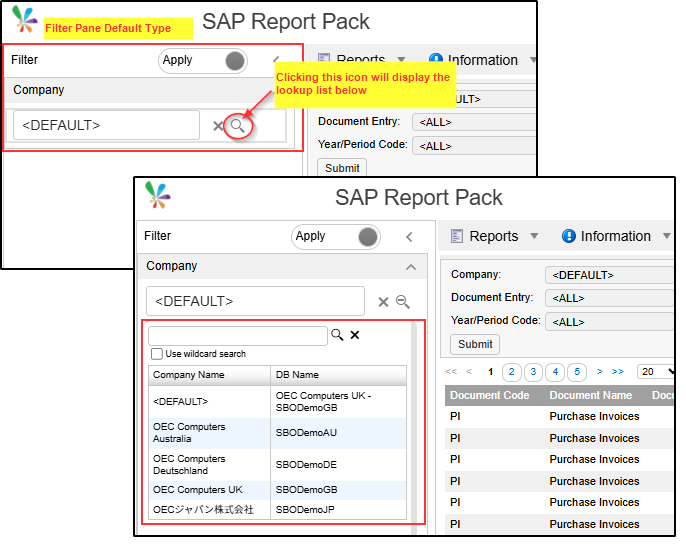
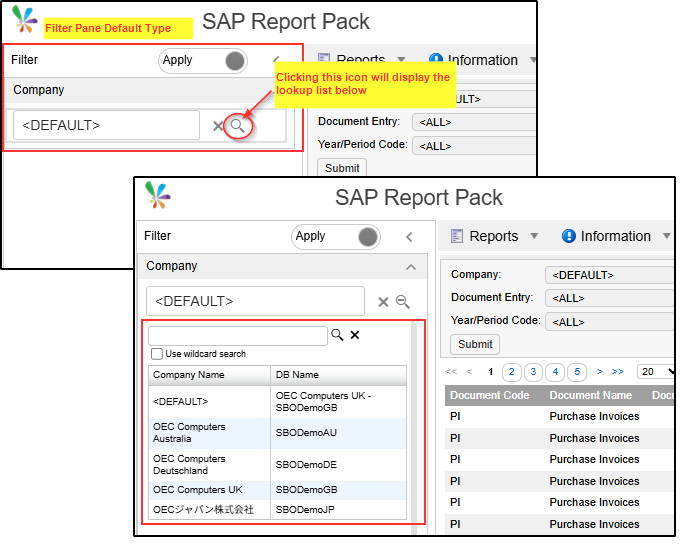
When we use Filter Pane (Left / Right) with the Published Report, the looks as default is like this;
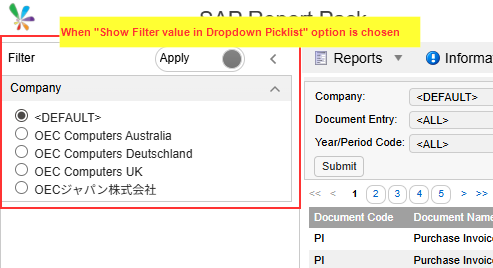
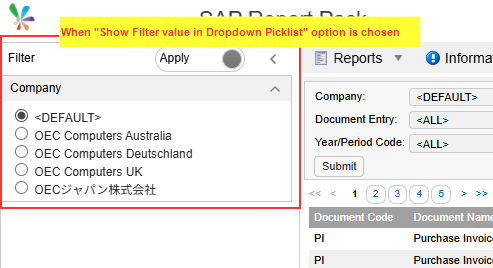
So what if you want to display it in a list format like this?
Practices
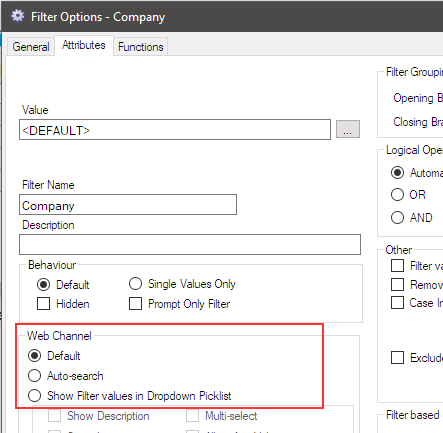
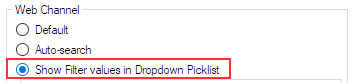
The key point to note is this filter option.
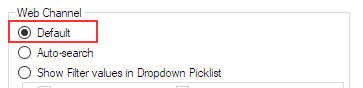
When “Default” is selected, the filter pane looks like this.
When “Show Filter values in Dropdown Picklist” option is selected, the Filter Pane displays the list of the filter items with the radio buttons.
Afterword
Please use it according to the purpose of the report.