
How to count report (Published Report) usage
Introduction
We want to check whether there is a way to track report usage.
Yes we can.
Practices
Open the target report in Sharperlight Publisher.
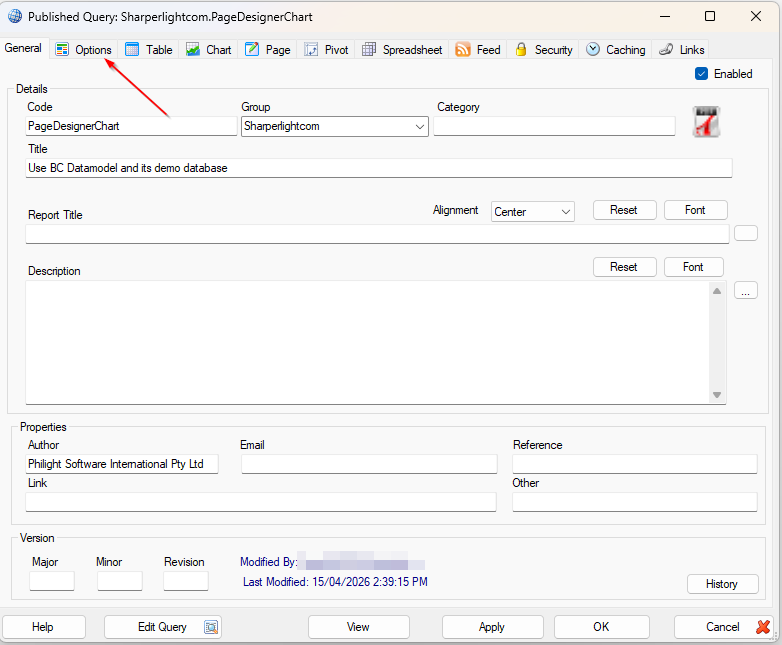
This is an example of the target report definition. Go for “Options” tab.
In “Options” tab, please find “Statistics” checkbox and tick it.
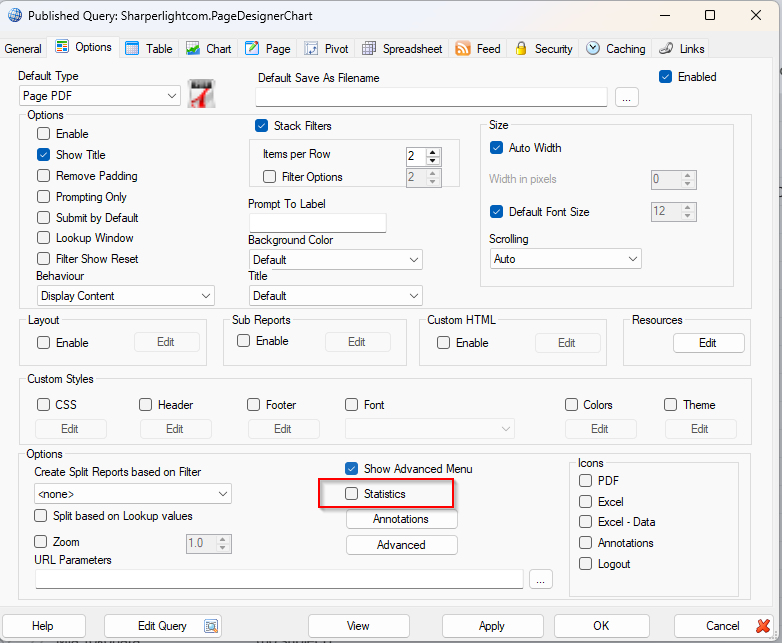

The option will take the statistics of this report.
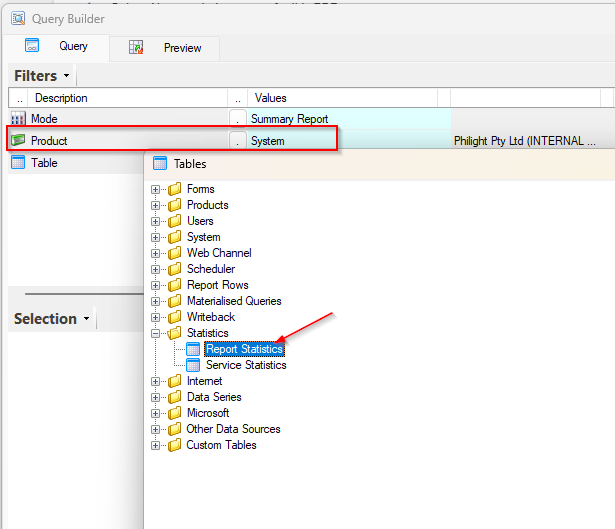
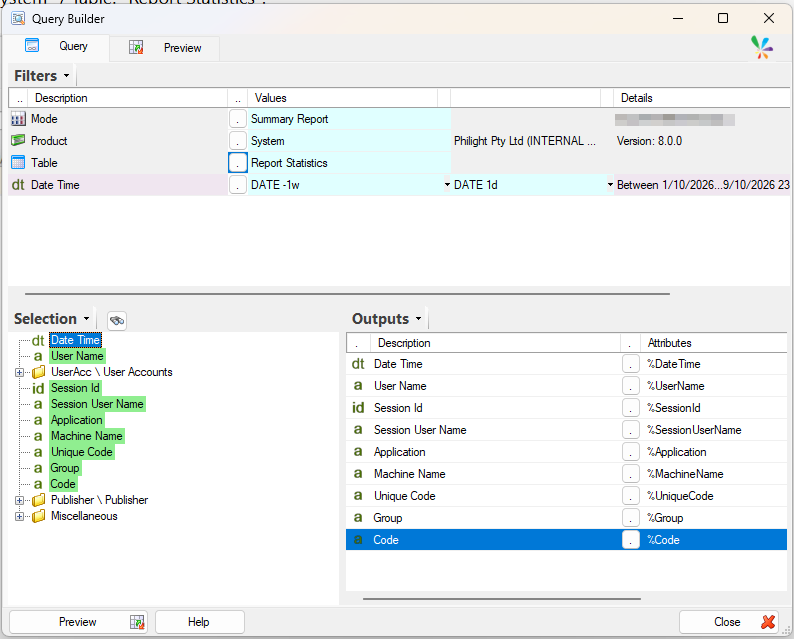
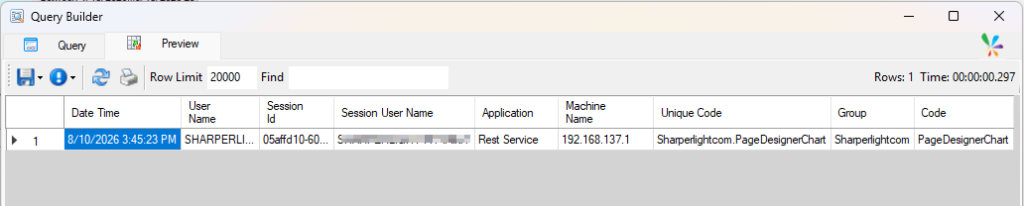
We can see the statistics with Query Builder to access Product: “System” / Table: “Report Statistics”.
Afterword
We can create a report of the report usage with this option.