
Web Channel Single Sign On with Custom Authorization Header
When integrating Sharperlight Web Channel content into your company Portal the first choose for Single Sign on would be to use Windows Domain Accounts. The Sharperlight Service would be set to run as Windows or NTLM and the Windows User Account details are automatically sent to Sharperlight where they are validated. In this way as long as their Windows Account or Group is trusted in Site Setup they will have access to the Web Channel content as long as the Reports don’t further restrict access.
In the case were some other form of Authorization Header is being used instead of Windows Domain Accounts we will need to create a small DLL library for Sharperlight to call. In this way Sharperlight can leave the decoding and validation of the Authorization Header up to this DLL and receive back the user name to trust. If for some reason the Header is invalid the DLL can return a blank string or null. Sharperlight once it has the user name will also validate that the user does indeed exist in Site Setup and is still active.
To register the DLL with Sharperlight use the register keys defined below and then restart the Service. Also make sure that the Service is not set to Windows or NTLM but is set to Default.
This DLL is only required on the Sharperlight Application Server that is hosting the Web Channel
Create .NET DLL Library
The DLL file , object , class and Method name can be anything but make sure they match the registry keys in the later steps. The Method has one parameter called headerAuthorization and returns a string. Return a blank string or null if the token is invalid otherwise return the user name to trust.
Download Example:  MyTokenLibV2.zip
If Startup logic is required you can define a Method called Startup()
public void Start()
{
//Optional
}
public void Shutdown()
{
//Optional
}
The most important method is the Convert function which must confirm to this pattern
public string Convert(string headerAuthorization)
{
return userName;
}
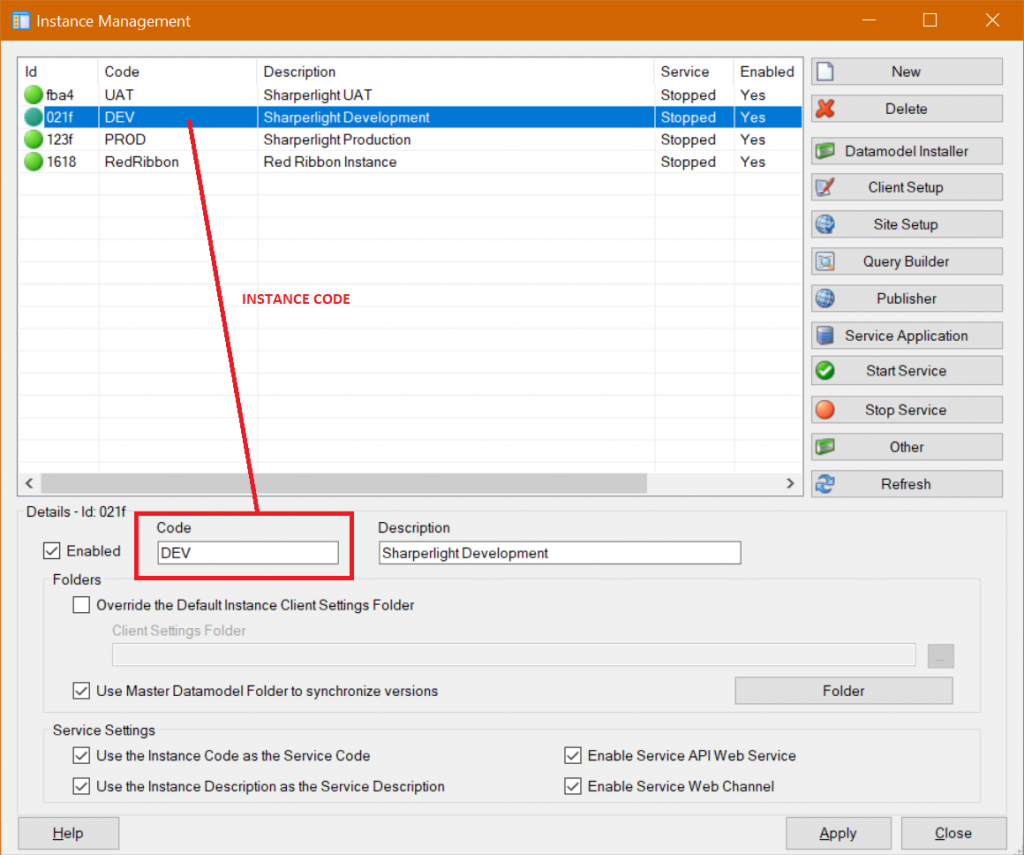
Please note as of v4.7.134 it is now possible to also get the instance code as the second parameter. This is helpful when there are multiple instances of Sharperlight running for example DEV, UAT, PROD or it’s a multi-tenant Application Server where the encryption of the token is different for each instance. The instance code will be blank if it’s the main or default instance of Sharperlight otherwise it will be the Instance Code which is also known as the Service Code for example mdService1 or mdServiceClientX or ClientZ etc.
public string Convert(string headerAuthorization, string instanceCode)
{
return userName;
}

Create Registry Keys
The registry keys tell Sharperlight that it should call the DLL when a Header is found with the matching keyword
- WebHeaderAuthorizationContains
- Enter a unique key word that will trigger the passing of the Header to you DLL. For example Basic or MyToken When a string match is found your DLL will be passed the full Authorization Header String
- It is possible to also get all Cookies or a specfic Cookie value instead of the Authorization Header. This is done by setting this key to Cookies or Cookies_Code where Code is the Cookie code value you want passed into the DLL. When the value is Cookies then all Cookie values are passed to the DLL e.g. ABC=123;XYZ=987
- WebHeaderAuthorizationInvokeDLL
- The DLL full path name or if it is in the GAC just the file name
- WebHeaderAuthorizationInvokeClass
- The Object and Class name that Sharperlight will create For Example MyTokenLib.Header
- WebHeaderAuthorizationInvokeMethod
- The Method to invoke. Make sure it has one string parameter and returns a string (User name). If the regkey is not present or is Blank then the Default of Convert is assumed
Windows Registry Editor Version 5.00
[HKEY_LOCAL_MACHINESOFTWARESharperLight]
“WebHeaderAuthorizationContains”=”Basic ”
“WebHeaderAuthorizationInvokeDLL”=”C:\Projects\StudyPHI1\MyTokenLib\MyTokenLib\bin\Debug\MyTokenLib.dll”
“WebHeaderAuthorizationInvokeClass”=”MyTokenLib.Header”
“WebHeaderAuthorizationInvokeMethod”=”Convert”

Test Authorization Header

User details from the Authorization Header should appear

Sample DLL Code for this example
using System;
using System.Collections.Generic;
using System.Text;
namespace MyTokenLib
{
public class Header
{
//headerAuthorization is what is passed from the Sharperlight Web Channel Header
public string Convert(string headerAuthorization, string instanceCode)
{
//base 64 simple hash example but replace with your own header token logic
try
{
if (!headerAuthorization.StartsWith(“Basic “)) return “”; //Invalid
string detailsBase64 = headerAuthorization.Replace(“Basic “, “”);
byte[] decodedBytes = System.Convert.FromBase64String(detailsBase64);
string decodedText = Encoding.UTF8.GetString(decodedBytes);
int x = decodedText.IndexOf(“:”);
if (x > 0)
{
string userName = MidZ(decodedText, 0, x);
string password = MidZ(decodedText, x + 1, 1000);
return userName; //return the user name to be trusted
}
return “”; //invalid
}
catch
{
return “”; //invalid header
}
}
public static string MidZ(string buffer, int start, int numberOfChars)
{
//start 0…length-1
if (buffer.Length <= 0 || numberOfChars <= 0 || start >= buffer.Length) return “”;
int adjustedLength = numberOfChars;
if (start < 0) start = 0;
if (start + adjustedLength >= buffer.Length)
{
adjustedLength = buffer.Length – start;
}
if (adjustedLength <= 0) return “”;
return buffer.Substring(start, adjustedLength);
}
}
}