
How to add a Writeback button – Shapes
Introduction
In this post, I will explain how to bind a defined writeback to a shape in an Excel worksheet.
Practices
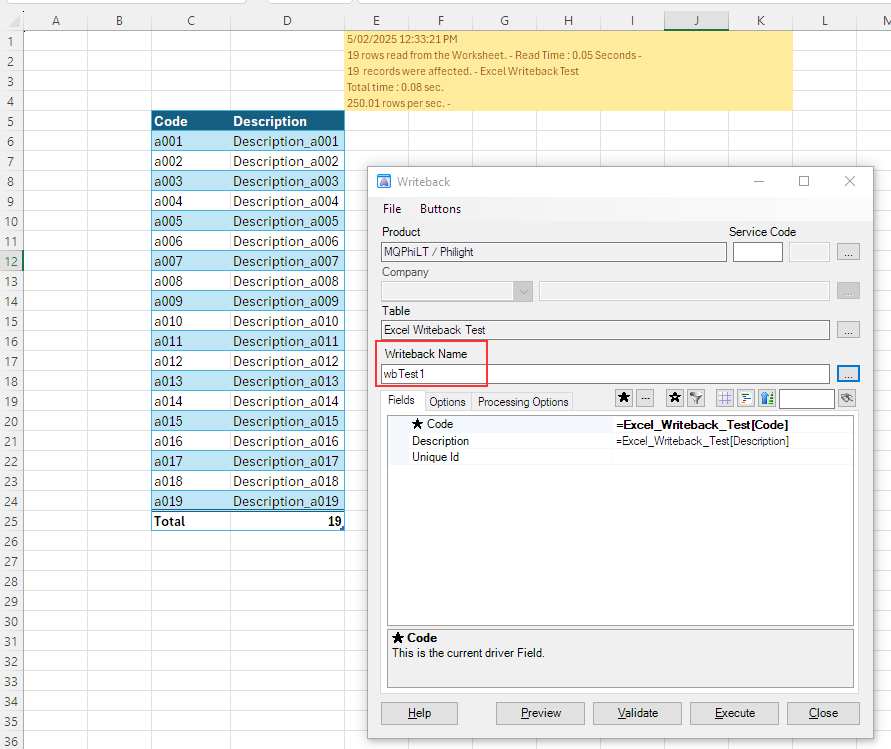
There is an Excel worksheet with a writeback definition in it.
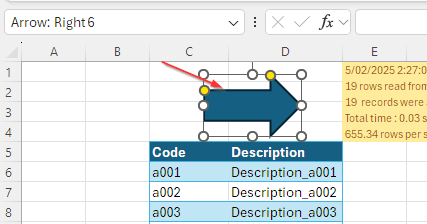
Insert a Shape to the worksheet. I selected a right arrow shape.
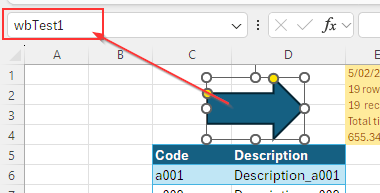
Replace the default name of the shape with the name of the writeback definition.
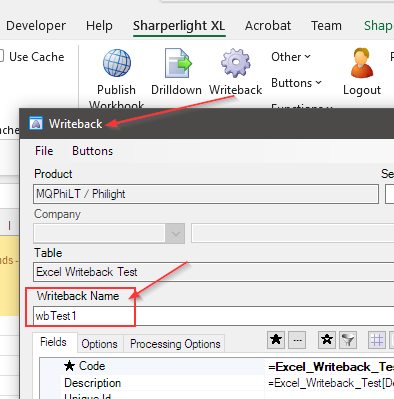
You can find the name of the writeback definition below.
Type ‘wbTest1‘ into the name field for the inserted shape.
Next, assign the ‘mdWriteBack‘ writeback macro to the shape. Click OK to saveit.
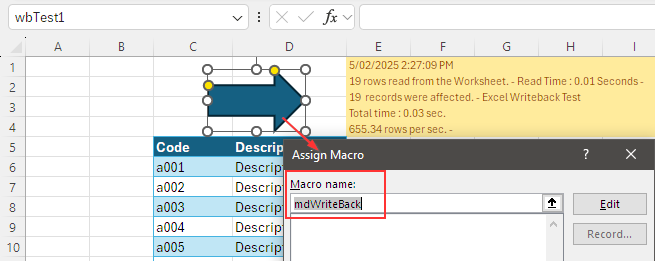
Now, the ‘wbTest1’ writeback is executed by clicking the shape.
Afterword
This is a good example of how to bind a writeback definition to a button, shape, etc.
See also this post.