
Uninstalling Sharperlight v4.1 or earlier versions when v4.6, v4.7 or higher will not install due to elements remaining
When attempting to install Sharperlight v4.6, v4.7 or higher, you may not be able to if you have remaining elements from an earlier version still remaining. This is because Sharperlight is using a new installer from v4.6 onwards that can not simply install over the top the existing older install.
First uninstall Sharperlight with the same user account that installed it before installing v4.6. Issues may occur if multiple accounts installed Sharperlight and you don’t uninstall with the same account that installed it. If you can’t see Sharperlight in the Windows Uninstall Program list, it will most likely be because another User Account installed it. As it’s important to uninstall the old version first, one can always reinstall the same existing version again just so that it appears in the Windows Program Uninstall list.
If after uninstalling the old version the new Installer still thinks the old version is present, then this will be because there are still some registry keys remaining related to the original user account. This is when you need look at the steps outlined below.
There are two methods you can try when trying to install v4.6/4.7 after encountering issues with uninstalling an older version:
- Renaming regkeys
- Using a 3rd party uninstaller (e.g. Revo Uninstaller)
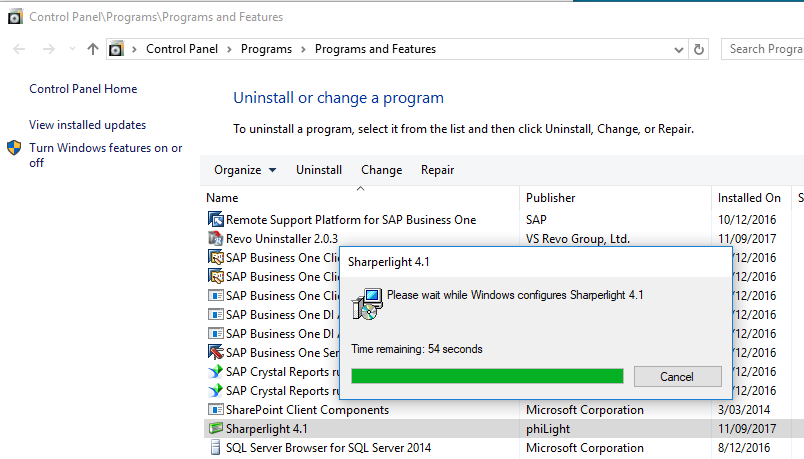
When uninstalling, check to see if you have tried using the normal Windows Uninstall Programs first before undergoing the following steps.
Renaming Regkeys
If you are unable to uninstall Sharperlight with the same account that installed it, then there is a windows regkey edit workaround where you can simply rename an entry and v4.6 of Sharperlight should then be able to install correctly.
Use window regedit to rename the old installer registry key entry but only after uninstalling your version of Sharperlight.
Go to:
Computer\HKEY_LOCAL_MACHINE\SOFTWARE\Microsoft\Windows\CurrentVersion\Installer\UpgradeCodes\7FEFE3DB4F55DB5318B243D0579B47E3
and rename:
7FEFE3DB4F55DB5318B243D0579B47E3
to
7FEFE3DB4F55DB5318B243D0579B0000
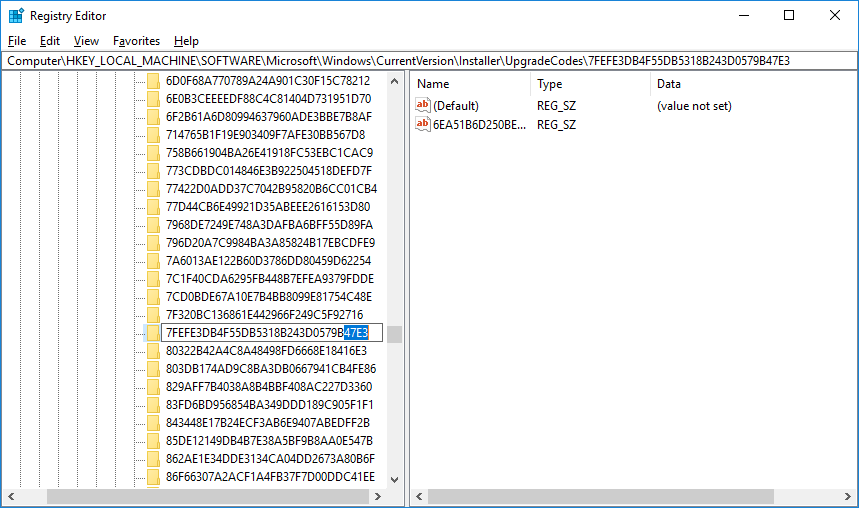
After renaming the regkey, try to install Sharperlight v4.6 to see if it works. If you are unable to find the regkey, or renaming the regkey still doesn’t allow you to install v4.6, there is another method.
3rd Party Uninstallers
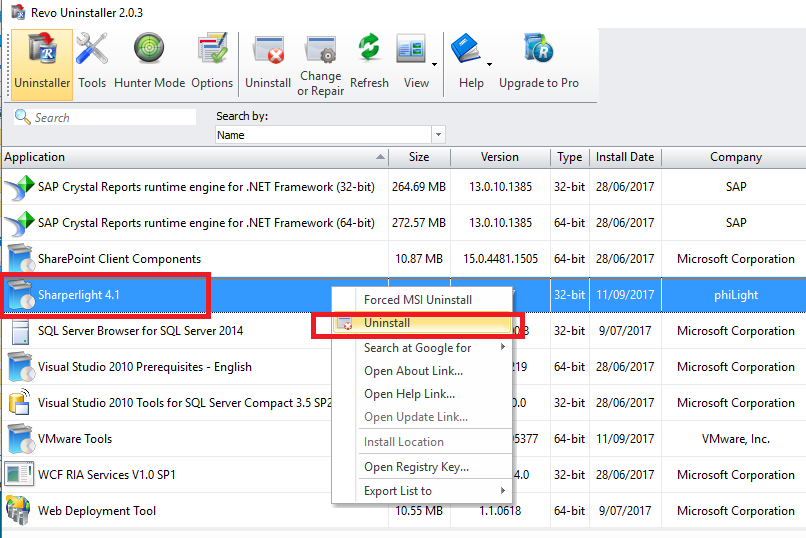
A third party uninstaller such as Revo Uninstaller (Free version) can be used to detect and remove any remaining details or elements still lingering after an uninstall.
https://www.revouninstaller.com/start_freeware_download.html
Just start up the uninstaller, search for Sharperlight and delete any remaining elements.
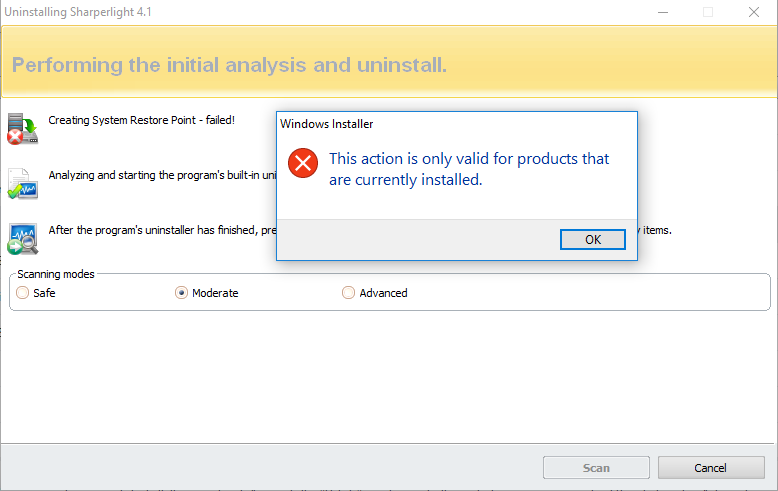
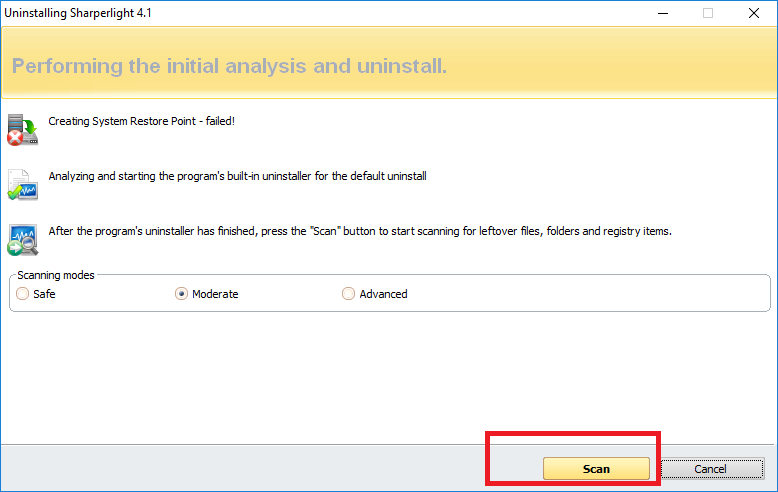
Hit Select All, then Delete

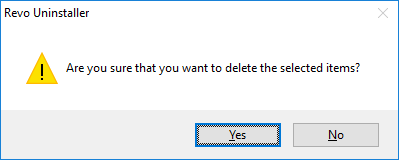
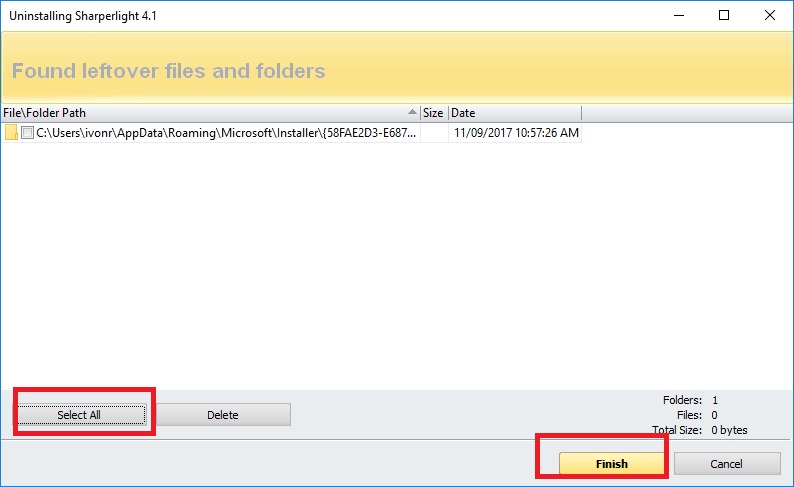
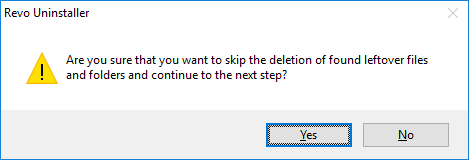
After deleting, you should have no remaining elements of Sharperlight and v4.6 should be able to install without any issues.
Published: 11/09/2017 1:40pm