Manual Service
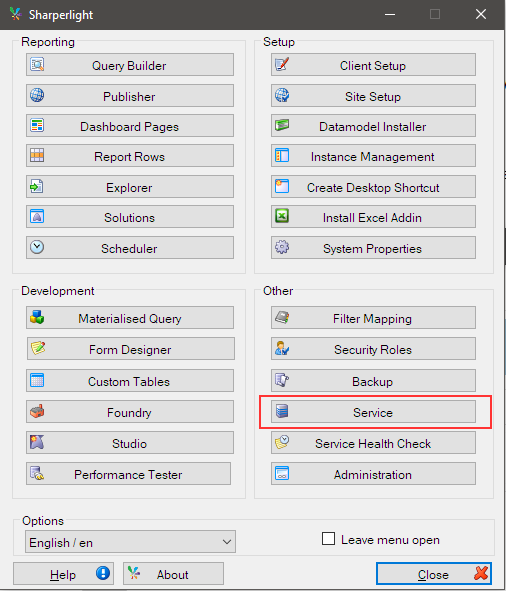
The Manual Service can be started by opening the Service application from the Sharperlight Start Menu All Programs folder.
Normally you would start the Windows Service before viewing Web Channel Content.
If you are a developer and wish to test the Service and start and stop it as an Application then use this version of the Service. The Service will have to be started with Windows admin permissions for it to work.
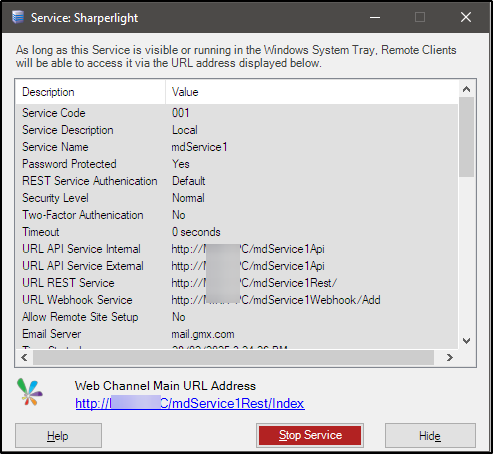
This will open the Manual Service dialog and it details the configuration settings for the Service and has a shortcut to the root Web Channel URL address.
If there are errors or warnings during the initialisation of the Manual Service, they will be displayed in a separate message dialog. This makes troubleshooting much easier than trawling through the Windows Event Logs that are generated by the Windows Service.