
Using the product code as the table prefix
Introduction
This post shows which attribute needs to be set for using the product code as the table prefix.
Practices
Open the Foundry from Sharperlight application menu.
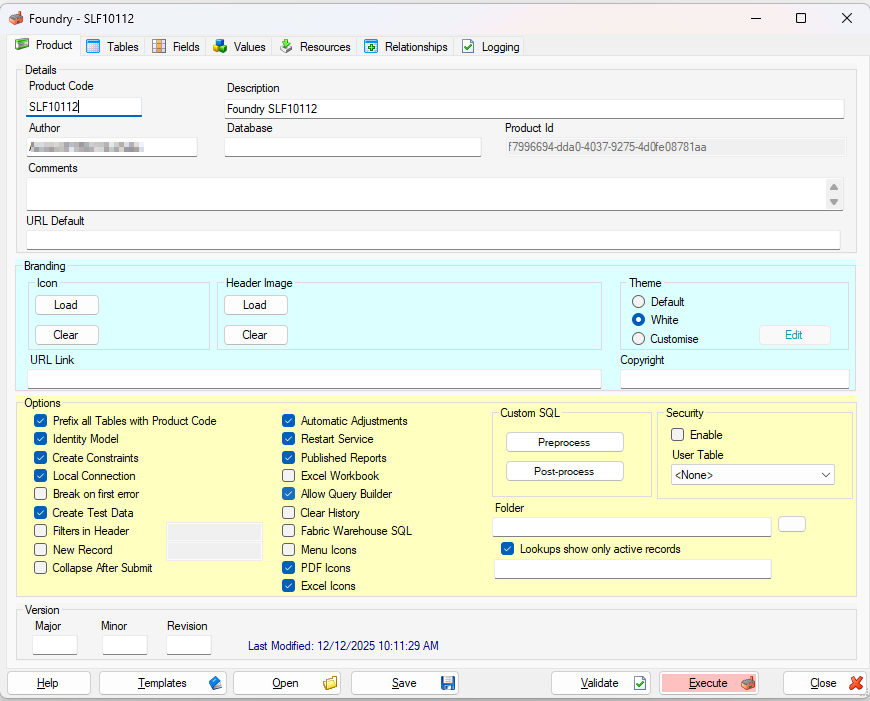
Product Code
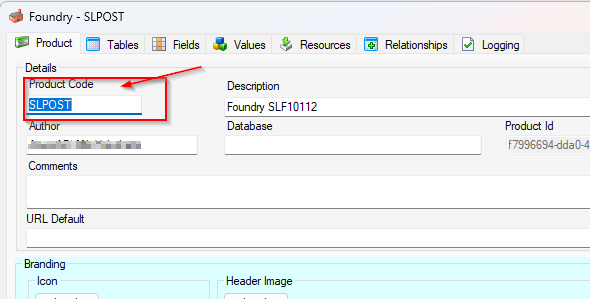
First of all, let’s set the Product Code.
You can set the Product Code here. Type “SLPOST” for this practice.
Make sure the option “Prefix all Tables with Product Code” is selected. This is the key for this post.
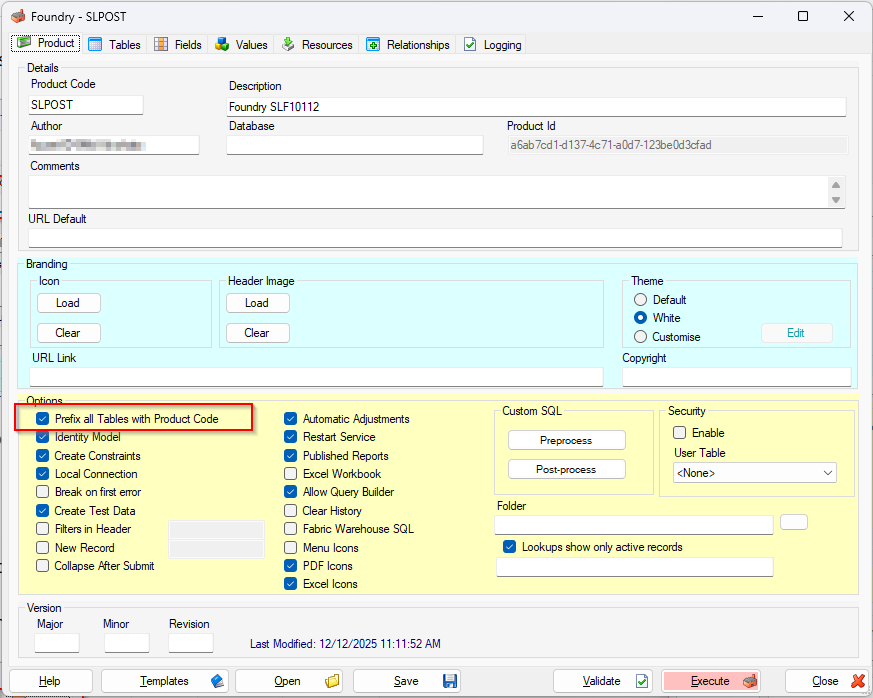
Table and Field Definition
For this practice, let’s create a table and its fields next.
Table can be defined in Tables tab.
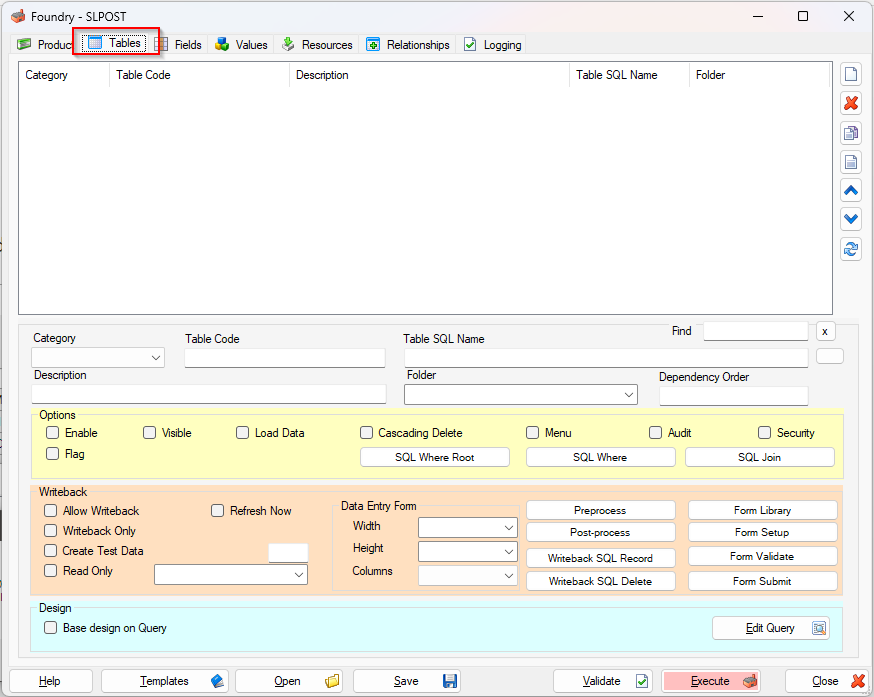
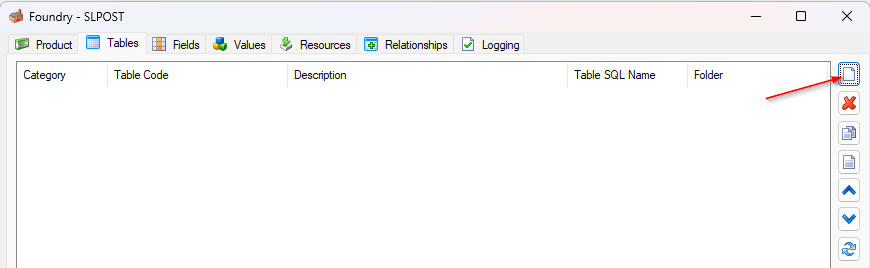
Add a table by clicking “New” icon.
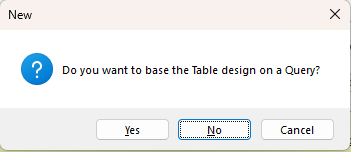
With this prompt message, click “No” to proceed.
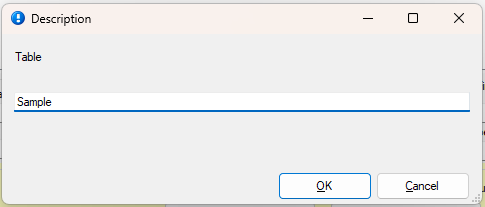
Type the description for the new table here. Type “Sample” for this practice.
The table “Sample” is created with some default options. Just leave them as is for now.
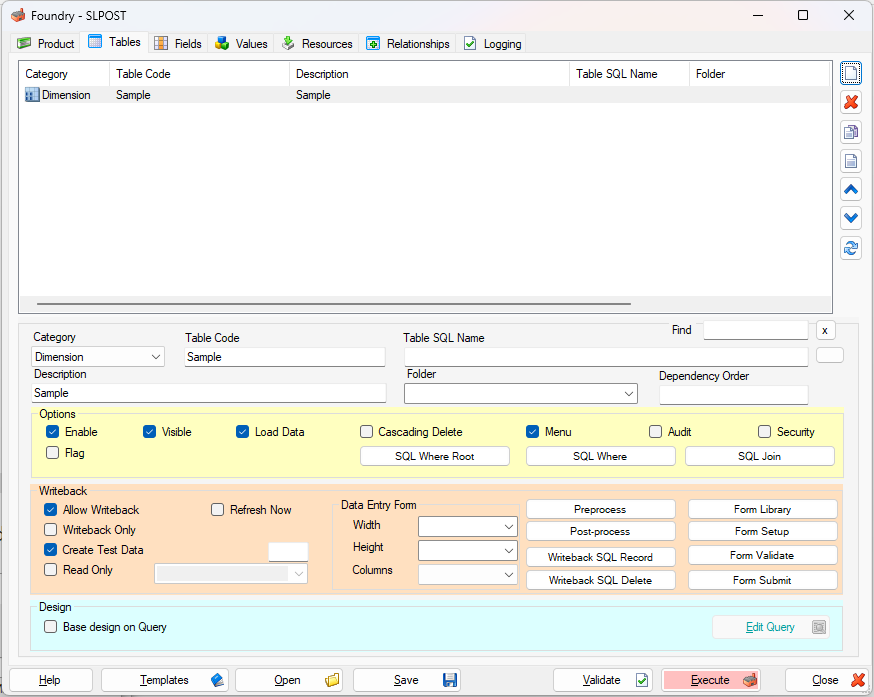
Double-click the “Sample” table in the grid to open the Fields tab and define its fields.
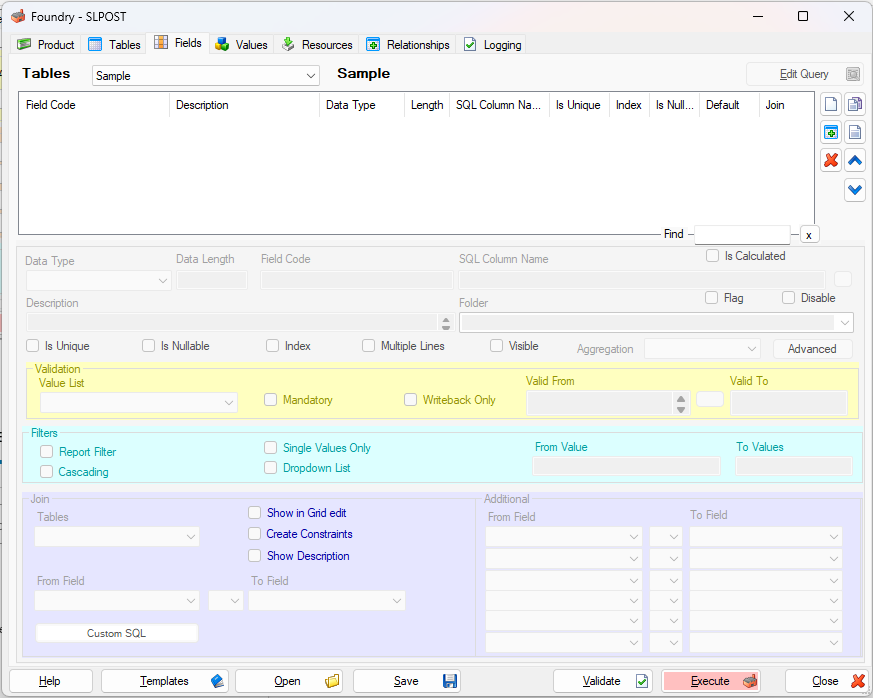
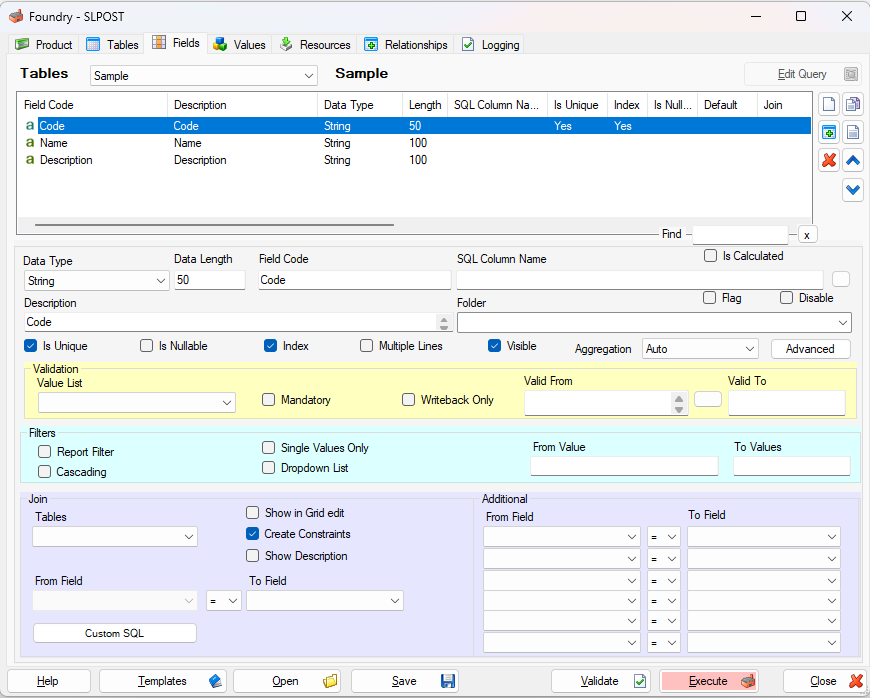
Using the “New” icon on the right-hand side, let’s add the Code, Name, and Description fields.
For now, leave all the default settings as they are.
Executing the definition
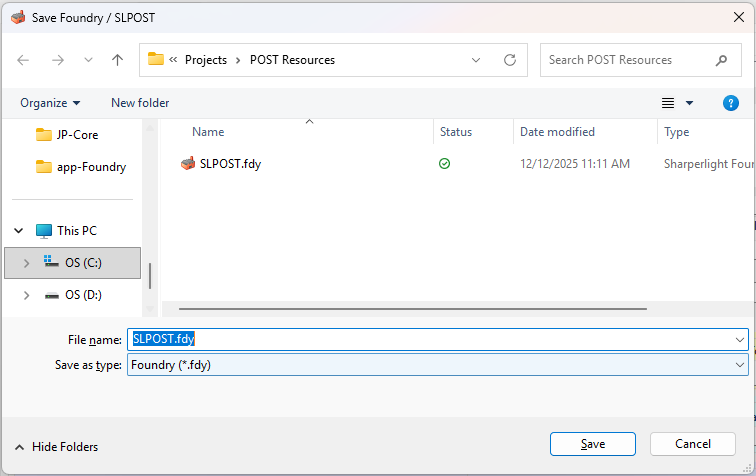
It can be done with Execute button. Before do it, please save the definition first.
Click “Save” button to save it. The file extension is “.fdy“.
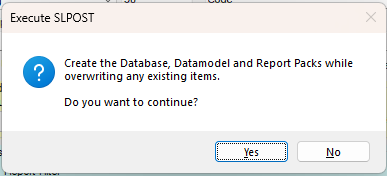
Click “Execute” button to execute it.
The confirmation dialog is displayed. Click “Yes” to proceed.
The logs are displayed while it is being executed.
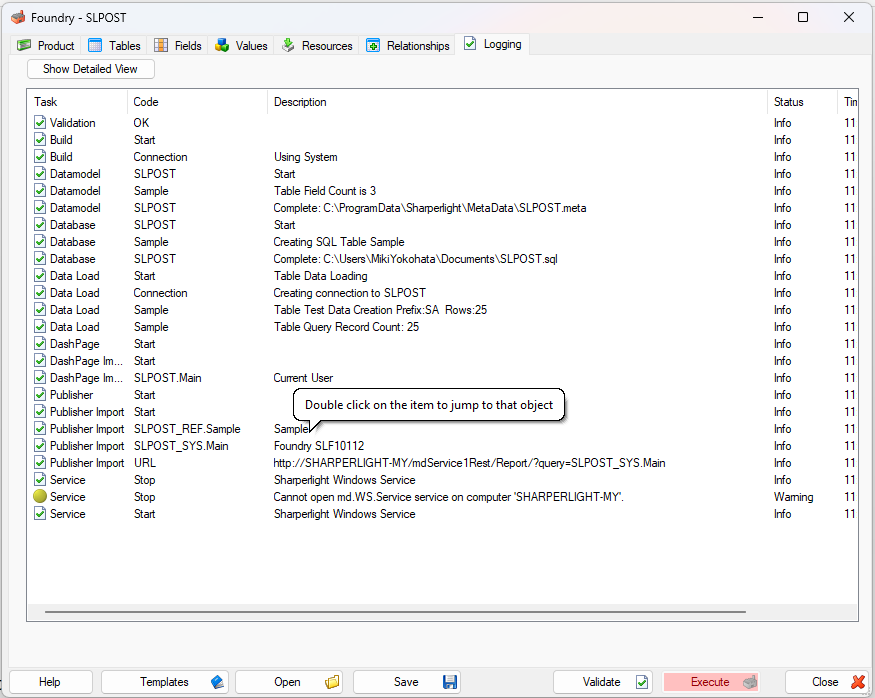
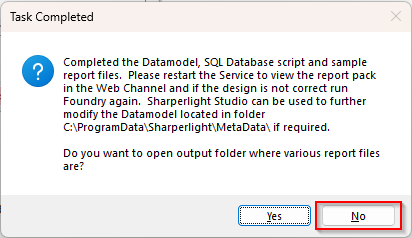
When it finishes, the final prompt message is displayed, and clock “No” to complete.
At the same time, the main menu page is displayed in your browser.
Sometimes it doesn’t display properly at first — just restart the Sharperlight service and it will be visible.
Running Foundry as Administrator prevents this problem.
The datamodel and published reports are saved to the Sharperlight instance you are currently using (the same one where Foundry is open).
The database is created on the same database server that hosts the Sharperlight System database.
Verification
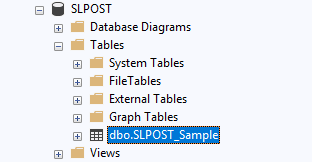
Open the database created and check the table name. It should have the prefix “SLPOST”.
Afterword
I think that this is just a small thing on using Foundry for your business but it worth to know.